Creative, unique, and informative- these English7 @oneilleagles students shared their biographical research on selected poets through #infographics built in #Keynote. An extra-special touch was each one's audio recording of a poem they added! @AppleEDU #EveryoneCanCreate #poetry
listen to Hope's audio added to her infographic:
To launch this project with students I first shared the definition of an infographic with some semi-biographical examples I found online. I also created a starter example of one my favorite poets, our Nebraska poet, Ted Kooser. Using this exemplar, I demonstrated how to change the Keynote slide size to custom dimensions to create the "canvas" for the infographic. Then, using simple shapes and remixing images from external sources, we began to lay out the poster design. Colors evoke mood and a strong background image with the opacity altered can demonstrate theme. An introduction to typography was explained in order to use fonts and formatting for emphasis. Finally, I showed students how to record an audio excerpt from one of their poet's most popular poems and encouraged students to create their oral readings for homework.
Total class time spent on this project equalled three class periods: one day (before I arrived with their English teacher Mrs. Reinhardt-Sigler) for students to research their selected poet and complete a notes sheet, one day for how-to instruction and time to get started, and one day for completion of the creative infographics.
The following are some simple ideas for teaching poetry writing lessons with iPad apps. All apps are free, unless otherwise noted.
Rhyming Poetry
Try the Rhymer's Block app to create a new piece of rhyming poetry. Use the Prime Rhyme app or the RhymeZone website as a reference to find rhyming possibilities.
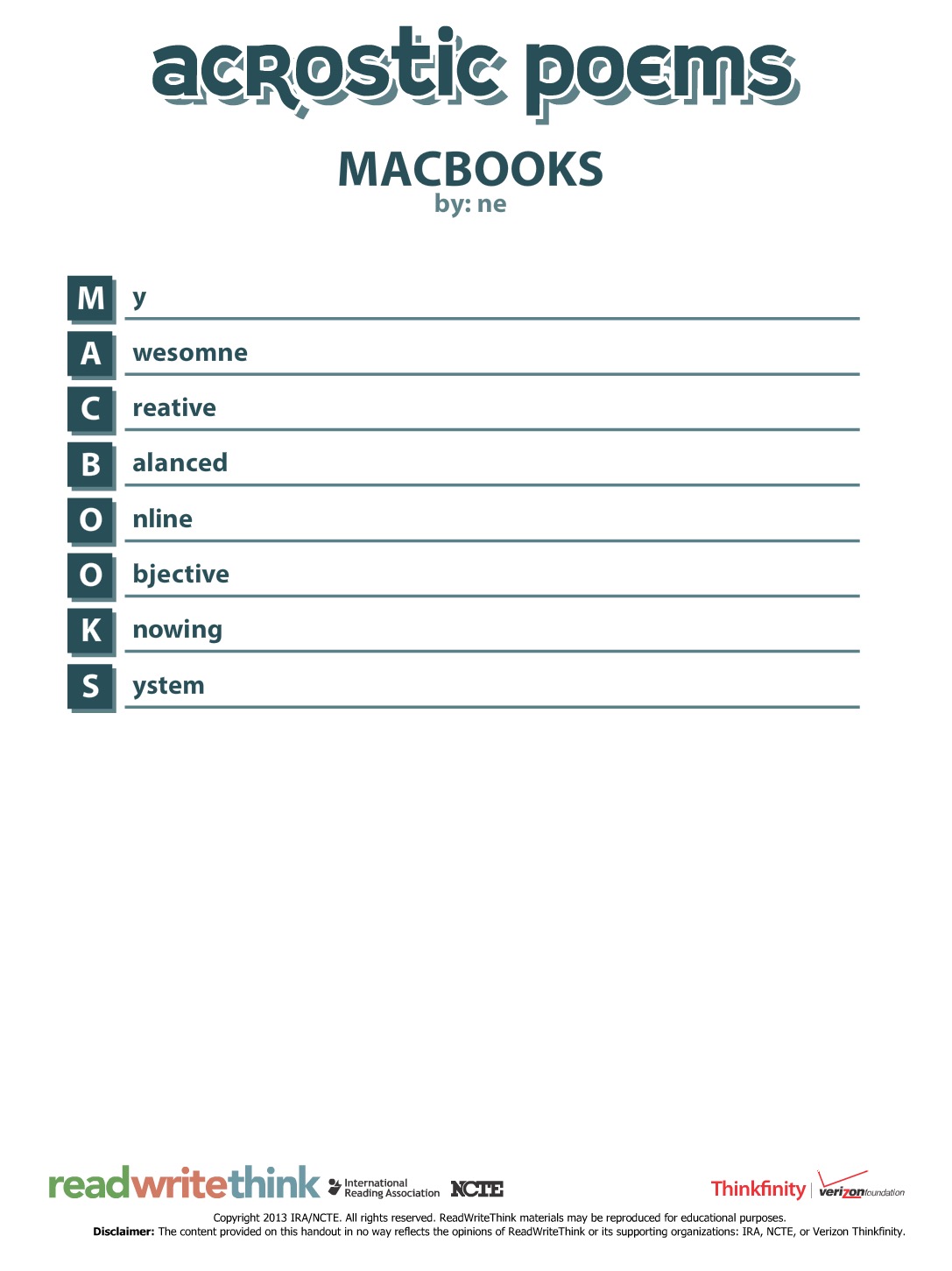
Another great introduction to poetic forms is creating a name poem. Here is one online generator to quickly prompt this kind of poetry. Also consider trying this Name Poem app.
Found Poems
"Found Poems" are formed by finding words within prose and reassembling them in order to form a new poem. Students can use an app such as FridgePoems to practice reassembling random or suggested words. Then take a piece of prose (a famous speech or passage from an essay, for example) and create a found poem with the Word Mover app.
Point-of-View, Personification, or Persona Poems
Chatterpix app- Students write a poem in first-person point of view. They then take a photo of the “narrator” (it could be an inanimate object or a historical person or a photo of anything they find online). In the Chatterpix app they draw on where the “mouth” is and then record themselves reading their poem, making the photo come to life and look like it is speaking. Alternatively, they could use an app such as PhotoSpeak if their poem lasts longer than 30 seconds.
Oral Fluency Poetry Reading
GarageBand app- Students record an oral version of any poem they author, reading with expression of course! Export the audio recordings with Share > Export Song to Disk and then collect all students’ poems in a playlist, Google Drive folder, or put on a website for others to listen to.
Illustrating Poetry
Use a drawing app like Doodlebuddy or Paper by 53 and have students create a Sketchnote of their poem. Alternately, even simply illustrating an image to go along with their poem would have value.
Syllable Structure Poems
Use this teacher-created guide for iBooks to expose students to some poetry formats with set syllable structures (including haiku, senryu, tanka, and cinquain) and then use an app like Haiku Poem to create their own.
Concrete Poetry
Students create a concrete poem built out of the shape of their words. A favorite app for this type of poetry creation is TypeDrawing, however it is a paid app. Another option (also not free) is the app Path On.
Diamante Poems
Use the Diamante Poem app from ReadWriteThink to create this diamond-shaped, set structure poem.
Poetic Symbols
Use the Adobe Voice app and bring poetry to life with the images in the app's symbol library. Add your poem with a voice over and you easily have a finished multimedia project. Note: the student example below is not necessarily a poem, but gives you an idea of how simple to use the app is.
Poetry Video Remix
Create an iMovie from a published poetic work. The following example created by students is a interpretive remix of the poem "Nothing Gold Can Stay."
Figurative Language
Find examples of figurative language in modern day song (like the example below, created by students with the Keynote app), in books, or other existing works. Students can create a compilation of figurative language examples or simply author their own.
Additional iPad apps for exploring poetry with students: